Minimizing Purge Tower Waste on IDEX Printers for DND Terrain
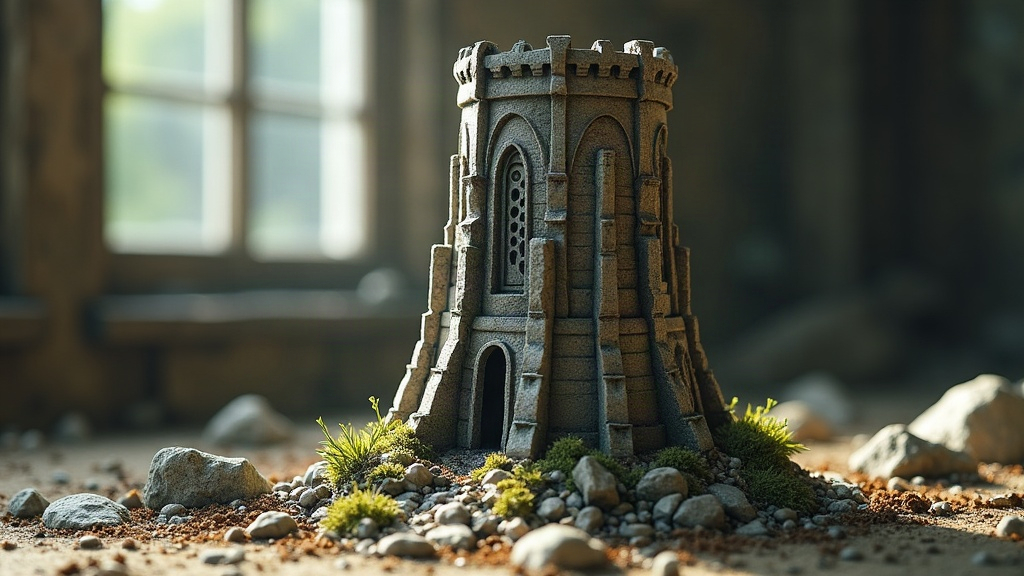
If you print two-color DND terrain on an IDEX (Independent Dual Extruder) printer, you’ve probably already noticed something painful: the purge tower can chew through as much filament as the actual model sitting next to it. The fix isn’t one magic setting. It’s a combination of smarter color mapping, tower geometry, prime volume tuning, and actually using IDEX-specific modes like duplication or mirror mode instead of toggling nozzles constantly. Here’s what actually makes a difference.
Why Purge Towers Get So Big on Terrain Prints
DND terrain (rock walls, ruins, dungeon tiles) tends to have color changes scattered across nearly every layer. Gray stone, then a darker crevice shade, then back to gray again. Each toggle forces the idle nozzle to purge whatever oozed or mixed before it can lay down clean filament. On a typical miniature, this might happen a handful of times total. On a textured terrain piece? It can happen dozens of times per single layer, and the tower grows right along with it.
The printer isn’t really the problem here. It’s how often your slicer is being told to switch extruders.
1. Reduce Color Change Frequency First
Before you touch a single purge setting, take a hard look at your model’s color scheme:
- Group colors by height, not by feature. If accent colors are scattered randomly across your terrain, redesign the texture layers so they cluster into specific Z-bands instead. For example, moss or lichen detailing only shows up every 5th layer band, rather than popping in and out constantly.
- Save fine accents for post-processing paint. Let the printer handle large, contiguous zones (stone base vs. dungeon floor, say) and hand-paint the small details afterward. Do this consistently and you can cut color swaps by 70-80%.
- Merge nearby same-color islands in your slicer’s mesh settings so adjacent shapes of the same color aren’t mistakenly treated as separate toggle events.
2. Use IDEX-Specific Modes Instead of Constant Toggling
Most purge-waste guides are written for standard single-nozzle dual-extruder machines. IDEX hardware gives you tricks those setups simply can’t do:
- Mirror or duplication modes won’t help a single multi-color model, but if you’re batch-printing terrain sets, say 10 identical wall tiles, print two at a time in mirror mode with one nozzle assigned per color instead of toggling on each tile individually. That half of the job needs zero purge tower.
- Assign one nozzle to structural color and one to detail color, and structure your G-code so the detail nozzle fires in short, deliberate bursts rather than getting interleaved into dozens of tiny toggles.
3. Shrink the Tower Itself
When toggling can’t be avoided, at least shrink what it costs you:
- Drop prime volume gradually. Slicers default to conservative numbers, often 800-1200 mm³ per swap. A well-tuned IDEX setup with minimal ooze can frequently run at 300-500 mm³ without any color bleed.
- Pick a wipe-tower shape suited to your nozzle diameter. A thinner, taller tower uses less material than a short, wide one for the same purge volume. Worth testing on your specific machine.
- Turn on ooze shields only where they’re actually needed. A small localized shield near the model often does the job for terrain with infrequent swaps, instead of running a full-height wipe tower the whole print.
4. Tune Temperature and Retraction to Reduce Ooze
Less ooze at the nozzle tip means less purge required to clean it up:
- Drop idle nozzle temperature by 10-15°C when parked, assuming your firmware supports standby temps.
- Bump up retraction distance slightly on the idle extruder to stop stringing, which otherwise forces extra purge cycles you didn’t plan for.
- Stick to filament pairs with similar melt behavior (both PLA, not PLA paired with PETG) so purge requirements stay low and predictable instead of swinging wildly.
5. Recycle Purge Material
Not everything that comes off the tower has to end up in the trash:
- Position the purge tower so it can double as a test swatch or basing filler. A lot of terrain builders snap the tower apart afterward and use the chunks as rubble or loose rock debris scattered across their game boards.
- If your setup includes a compatible extruder, grind clean single-material purge towers into regrind pellets and feed them back into the pipeline.
Quick Checklist
- Cluster colors by Z-height, not by feature
- Save fine details for hand-painting
- Use IDEX duplication/mirror modes for batch terrain runs
- Lower purge volume gradually and watch for bleed-through
- Tune standby temp and retraction to cut ooze
- Repurpose purge towers as terrain rubble
Conclusion
Purge tower waste on IDEX printers isn’t some unavoidable tax you have to pay. Most of it comes down to how a model’s colors are laid out and how conservatively the slicer is configured by default. Cut unnecessary color swaps, lean into IDEX’s independent-nozzle tricks, and dial in your purge volume and temperature settings, and you’ll often cut wasted filament by half or more, all while still getting crisp, clean two-color DND terrain off the plate.