Calibrating Rotary Encoders on DIY 3D Printed Camera Sliders
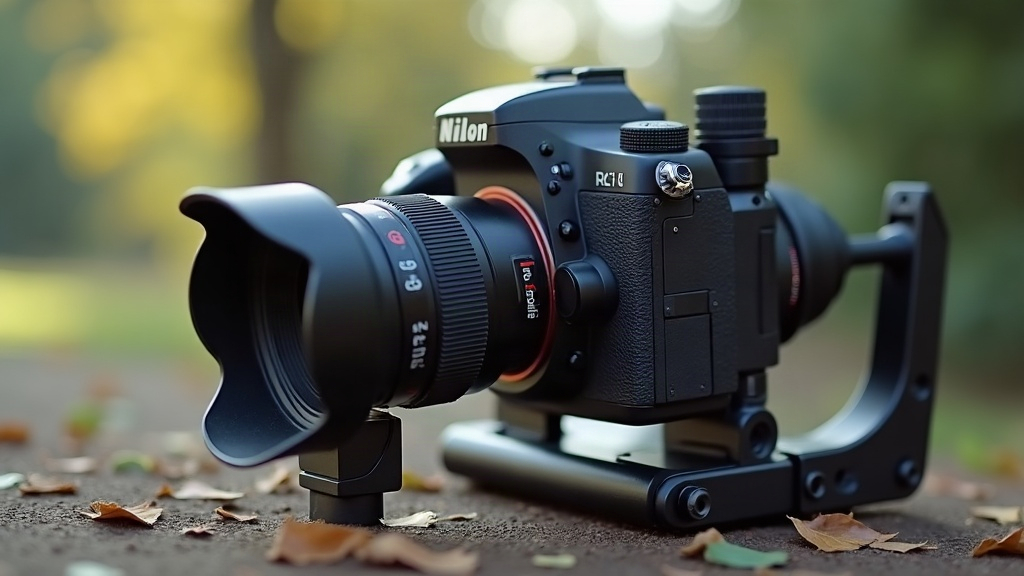
Calibrating Rotary Encoders on a DIY 3D Printed Camera Slider
Calibrating rotary encoders is the step that turns a wobbly, inconsistent slider into a smooth, repeatable motion-control tool. If your build jitters, drifts off its programmed path, or stutters at the start and end of a move, nine times out of ten the culprit is an uncalibrated or mismatched encoder, not the motor. Here’s exactly how to diagnose and fix it.
Why Encoder Calibration Matters on Printed Sliders
Printed sliders carry baggage that a machined aluminum rig simply doesn’t have: a bit of belt slop, printed pulleys that are never quite round, some flex in your PLA or PETG carriage. A rotary encoder tracks the actual rotation of your motor or pulley shaft and feeds that position data back to the controller. If it’s not calibrated properly, that feedback loop is basically lying to your firmware, and the error piles up with every single move.
Common symptoms of a poorly calibrated encoder setup:
- Slider stops short or overshoots the programmed end point
- Time-lapse moves that speed up or stall unpredictably
- Motion that “steps” instead of gliding, even at slow speeds
- Position drift after multiple back-and-forth passes
What You’ll Need
- Rotary encoder (optical or magnetic; 400-1000 PPR is typical for slider builds)
- Encoder mounting bracket (printed or metal, matched to your pulley/motor shaft)
- Digital calipers or a ruler with fine gradations
- A controller that supports encoder feedback (Arduino-based, or dedicated motion controllers running GRBL or closed-loop firmware)
- Test track of at least 50cm for meaningful measurement
Step 1: Confirm Mechanical Fit First
Before you touch a single line of code, check that the encoder shaft is actually concentric with the pulley or motor shaft it’s tracking. Printed brackets often introduce 0.1 to 0.3mm of eccentricity, and that shows up as periodic wobble in your readings. Spin the shaft by hand and watch the encoder’s raw pulse output on a serial monitor. Pulses should land at even intervals, not arrive in clumps.
Seeing burst patterns? Reprint the bracket with tighter tolerances, or throw in a flexible coupler between the encoder and shaft to soak up the misalignment.
Step 2: Set Pulses-Per-Millimeter
This is the core calibration number your firmware actually needs to get right.
- Mark a fixed 100mm reference on your slider rail.
- Command the slider to move exactly 100mm using your current (uncalibrated) settings.
- Measure the actual distance traveled with calipers.
- Calculate the correction factor:
Corrected steps/mm = Current steps/mm × (Commanded distance / Actual distance)
- Update the firmware’s
steps_per_mmvalue (or whatever your PPR conversion equivalent is called) with this corrected number. - Run the 100mm test two or three more times to confirm consistency within ±0.5mm. If it’s bouncing around more than that, something mechanical is still loose.
Step 3: Tune the Feedback Loop
If your controller supports closed-loop correction, comparing encoder position against commanded position in real time, tune the proportional gain conservatively:
- Start low and nudge the gain up gradually until the slider stops overshooting on quick starts and stops
- Watch for oscillation. A slider that “hunts” back and forth near the target point means your gain is set too high
- Add a small deadband, 1-2 encoder counts, to stop constant micro-corrections that make the motor buzz annoyingly
Step 4: Validate Under Real Load
Numbers you get with an empty carriage almost never hold once a camera and lens are actually mounted. Re-run the 100mm test with your real rig attached. Added weight changes belt tension and rolling resistance just enough to matter, especially for macro shots or long time-lapse sequences where tiny errors add up over hundreds of moves.
Troubleshooting Quick Reference
- Encoder counts don’t match expected steps: check for loose set screws on the shaft coupler
- Inconsistent readings at low speed: switch to a higher-resolution encoder or add gearing
- Good calibration but drift over long sessions: inspect belt tension, it tends to loosen as printed pulleys wear in
Conclusion
Calibrating rotary encoders on a DIY 3D printed camera slider isn’t something you set once and forget. It’s an ongoing cycle of mechanical checks, careful measurement, and cautious tuning. Nail the pulses-per-millimeter number, confirm your shaft alignment is true, and validate everything under real camera load. Do that, and your slider will deliver the kind of smooth, repeatable moves that separate a weekend hobby project from a tool you’d actually trust on a paid shoot.