Hiding Z-Seams on Cylindrical Telescope Eyepiece Adapters
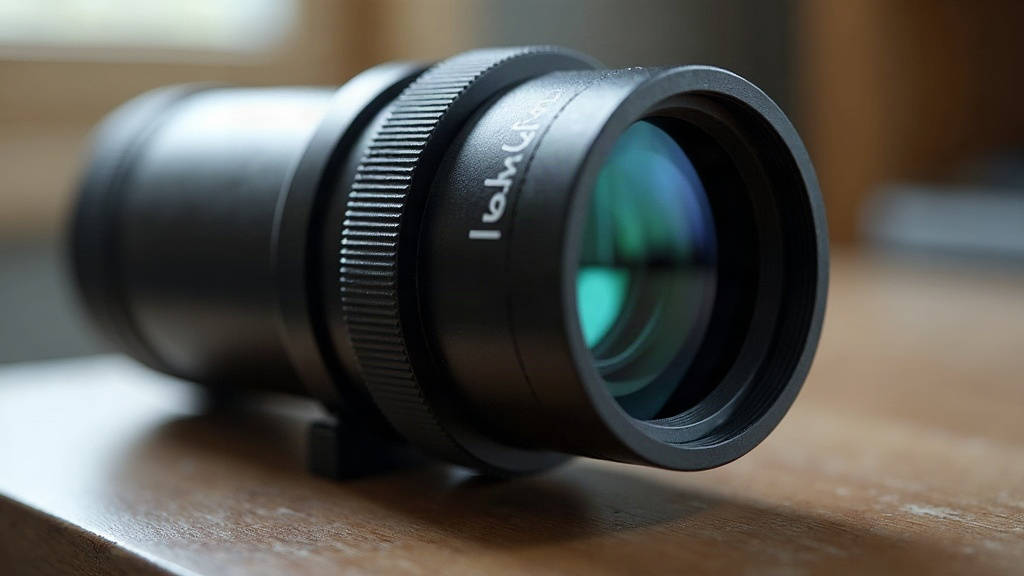
Printing a cylindrical telescope eyepiece adapter looks simple right up until that ugly vertical seam shows up on the barrel, usually right where it rubs against the focuser or eyepiece housing. The good news: modern slicers let you manually “paint” a seam location, so you can hide it somewhere that won’t affect fit, light-tightness, or friction. Here’s exactly how to do it.
Why Z-Seams Are a Bigger Problem on Telescope Adapters
Eyepiece adapters aren’t your typical cylindrical print. A few things make them trickier:
- Tight tolerances matter. A 1.25” or 2” adapter barrel has to slide smoothly into a focuser drawtube. A seam bump of just 0.1-0.2mm can cause binding, or worse, scratching on the drawtube’s inner wall.
- Light leaks are unacceptable. Any seam gap or little blob on the interior wall can scatter stray light into the optical path. That kills contrast on faint deep-sky targets, which is the whole point of the eyepiece in the first place.
- Visual quality counts. These parts are often in plain view. A messy seam line running down the barrel looks unfinished, even when it’s functionally fine.
Because of all this, the default “nearest” or “random” z-seam algorithms usually don’t cut it. You need manual seam painting.
What Is Seam Painting?
Seam painting is a feature in PrusaSlicer, Orca Slicer, and Bambu Studio that lets you draw directly on the 3D model, marking where you want (or don’t want) the layer-start/end seam to land. Instead of letting an algorithm guess at the “least visible” point, you control it precisely, layer by layer or across the whole model.
Where to Find It
- PrusaSlicer/OrcaSlicer: Right-click the model, then pick “Seam painting” (the icon looks like a paintbrush with a dot).
- Bambu Studio: Same paintbrush tool, under the object’s right-click menu, labeled “Seam painting.”
Step-by-Step: Hiding the Seam on an Eyepiece Adapter
1. Identify the Non-Critical Zone
Spin your model around and look for a region that:
- Isn’t part of the sliding/mating surface (the inner or outer barrel contact zone)
- Doesn’t face the eyepiece’s optical light path
- Ideally lines up with a flat spot, a set-screw flat, or a logo area if your design has one
On a standard tube adapter, the back flange or the non-contact outer wall just below the retaining ring usually works great.
2. Paint the Seam Location
- Grab the paintbrush seam tool.
- Bump up the brush size so it covers a vertical strip about 2-4mm wide, running the full height of the barrel.
- Paint that strip as “enforced” so the slicer forces the seam there on every single layer.
- If your adapter has a step or shoulder, paint through that transition too. Otherwise the seam can jump sideways right at the step, which looks worse than a straight line.
3. Set Seam Position Priority
In your slicer settings, change:
Seam position: Painted (Custom)
And make sure “Seam position” only falls back to “Aligned” or “Nearest” for layers you didn’t paint (internal supports or brims, for example), so those unpainted sections don’t scatter randomly.
4. Combine With Wipe and Perimeter Settings
A few extra tweaks go a long way toward minimizing the bump:
- Turn on “Seam gap” at 0.05-0.15mm. This slightly retracts extrusion right at the seam, cutting down on blobbing.
- Enable coasting (0.2-0.4mm) if your slicer has it. This cuts oozing just before the nozzle reaches the seam.
- Drop your outer wall speed a bit, to around 25-30 mm/s, for cleaner starts and stops.
5. Orient for Mechanical Logic, Not Just Visual Hiding
Even with painting in place, orient the part so the painted seam ends up on the outside-facing, non-optical surface. If you need a truly light-tight fit, it’s worth adding a thin felt or flocked liner inside the barrel too. It hides any leftover seam texture and improves grip on the eyepiece at the same time.
Quick Checklist
- Rotate model to confirm non-contact, non-optical face
- Paint a continuous vertical strip, not scattered dots
- Set seam gap + coasting for cleaner extrusion
- Slice and preview in the seam viewer before printing
- Test-fit on an actual focuser/eyepiece before final print run
Conclusion
Hiding z-seams on cylindrical telescope eyepiece adapters really comes down to control. Let seam painting decide exactly where the seam lands, pick a spot that avoids both the mating surfaces and the optical path, and back it up with seam gap and coasting settings for a clean finish. A few extra minutes spent in the slicer saves you from binding, light leaks, and an adapter that looks half-finished, and instead gets you a part that looks and performs like it came off a machine shop lathe, not a desktop printer.