Prevent Abrasive Glow-in-the-Dark Filament from Ruining Nozzles
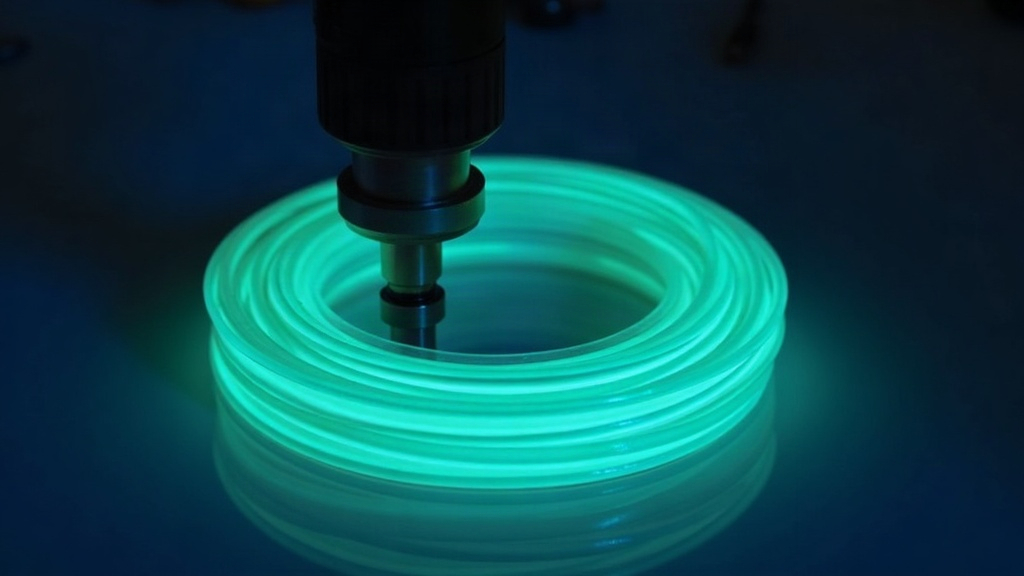
Why Glow-in-the-Dark Filament Destroys Brass Nozzles (And How to Stop It)
Glow-in-the-dark filament looks fantastic under a blacklight. But those phosphorescent particles packed inside it? Surprisingly hard. Hard enough to chew through a stock brass nozzle in a handful of print hours. If you’ve been seeing under-extrusion, wobbly line widths, or a nozzle opening that’s gone oval instead of round, abrasive wear is almost certainly your problem. Let’s look at why this happens and what actually stops it before it ruins a print (or a nozzle).
Why Glow-in-the-Dark Filament Destroys Brass Nozzles
Most glow filaments get their eerie shine from strontium aluminate or zinc sulfide particles blended into a PLA or PETG base. These particles are ceramic-like, and they sit far higher on the hardness scale than the soft brass alloy your standard nozzle is made from.
- Brass nozzles usually clock in around 60 HRB, soft enough to machine easily, which also means soft enough to erode easily.
- Phosphorescent pigment acts like microscopic sandpaper, scraping the nozzle’s internal channel and tip with every single millimeter of filament that passes through.
- Unlike carbon fiber or metal-filled filaments (the usual “watch out, this is abrasive” suspects), glow filament gets marketed as a fun, basic material. So a lot of people never bother taking the same precautions they would with composites, and end up surprised when their nozzle dies early.
Over time this wear widens the orifice, rounds off the tip, and can erode the internal flow path unevenly. That’s what causes the inconsistent extrusion, zits, and rough first layers people keep blaming on their slicer settings.
Warning Signs Your Nozzle Is Already Damaged
Before you start second-guessing your temperature tower or your slicer profile, check for these:
- Under-extrusion that keeps getting worse across repeated prints of the same file.
- Inconsistent line width, even after you’ve calibrated flow rate.
- Visible wear. Hold the nozzle up to the light. A worn tip usually looks shiny and rounded instead of crisp and defined.
- Oozing or stringing that wasn’t there when the nozzle was new.
How to Prevent the Damage
1. Switch to a Hardened or Wear-Resistant Nozzle
This is by far the most effective fix, full stop. Here’s the lineup, from cheapest to toughest:
- Hardened steel nozzles. A solid budget upgrade, holds up well against most glow and glitter filaments.
- Stainless steel nozzles. Good if you also care about food safety, moderate abrasion resistance.
- Ruby-tipped or tungsten carbide nozzles. The gold standard for abrasive materials. Pricier, but for hobbyist use they’re basically wear-proof.
If glow-in-the-dark, wood-fill, glitter, or carbon-fiber filaments are a regular part of your rotation, just keep a dedicated hardened nozzle mounted instead of swapping back and forth every time.
2. Lower Your Printing Temperature Slightly
Printing a bit cooler, still within the filament’s recommended range, makes the flow feel less “sandy” moving through the nozzle. A firmer melt pushes particles through with less grinding contact than a runnier one. Start at the low end of what the manufacturer suggests and see how it prints.
3. Slow Down Your Print Speed
Abrasive wear scales with both pressure and distance traveled, so a slower print means less friction load hitting the nozzle per second. Cutting speed by 10-20% for glow prints is cheap insurance, and honestly you’ll barely notice the time difference on smaller objects.
4. Use a Larger Nozzle Diameter
A 0.6mm or 0.8mm nozzle wears slower relative to print volume than a 0.4mm one, simply because the same particle load gets spread across a wider opening. Not great for fine detail work, sure, but for bigger, chunkier glow projects like signs or props, it’s worth trying.
5. Store and Handle Filament Properly
Moisture-soaked glow filament tends to clump its pigment unevenly, which concentrates abrasive particles at certain spots during extrusion instead of spreading them out. Since most glow blends are PLA-based (and PLA loves soaking up ambient humidity), keep it in a sealed container with desiccant. A $10 dry box pays for itself fast.
Quick Maintenance Checklist
- Put a hardened steel nozzle (or better) on before you print your first glow-in-the-dark spool.
- Check the tip every 2-3 spools of abrasive material.
- Log which nozzle is mounted and what’s been run through it. Sounds excessive, takes 10 seconds, saves confusion later.
- Clean with a brass wire brush between abrasive jobs, not steel wool, to clear out embedded particles without gouging the tip further.
Conclusion
Glow-in-the-dark filament is genuinely fun to work with, but don’t let the “fun” label fool you: those pigments behave more like carbon-fiber composite than plain PLA. Protect your setup with a hardened, stainless, or ruby-tipped nozzle, back off speed and temperature a notch, and keep the spool dry. A five-dollar hardened nozzle beats replacing a chewed-up brass one every few spools, every time.